
It is important to make sure that your cell phone is running on up-to-date software and has the most recent security features enabled. This will help ensure that your phone and apps are secure remains functioning properly. The best way to keep your cell phone current is to enable automatic updates for both the phone’s operating systems (OS) and for installed phone apps.
The process for enabling automatic updates is similar between iPhones and Android Phones. However, there are some minor differences. We’ve provided simple steps to help you ensure that your cell phone and apps are up-to-date.
How 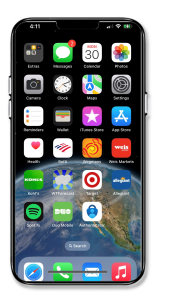 to Update iPhone OS:
- Tap Settings to open.
- Scroll down and click on General.
- Click on Software Update.
- At the top of the screen, check to see if Automatic Updates is on or off.
- Click On to have the iPhone automatically update or click Download and Install to manually update the iPhone.
How to Update iPhone Apps:
- Click on Settings to open.
- Scroll down and click on App Store.
- On this screen, click App Updates to automatically install any new updates.
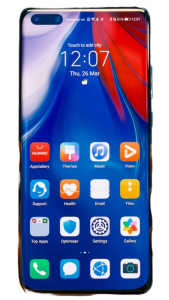 How to Update Android OS:
- Click on Settings to open.
- Click Software Update.
- Tap Auto Download over Wi-Fi to update OS.
How to Update Android Apps:
- Open Google Play Store.
- Click Menu My Apps and Games.
- Click More and then select Enable Auto Update.